AI automation for software companies and IT service providers
Software and IT firms run many processes that are already digital and still need manual work: tickets, onboarding, audits. We build AI agents that take this on. Code and configuration only go live after review.
Book the automation checkWhere the time goes today
Tickets are sorted by hand before anyone starts on a fix.
Small bugs sit in the backlog because larger topics take all the time.
Audit evidence is gathered from tickets, logs and policies each time.
How an agent runs in your business
The exact steps depend on your process and your systems.
Read the ticket
The agent reads it and finds the affected code.
Reproduce
It writes a test that shows the bug.
Fix
It changes the code until the test passes and the rest of the suite stays green.
Review
The change arrives as a pull request with an explanation for your team.
Office X: your digital office
Give it a try.
Start Office X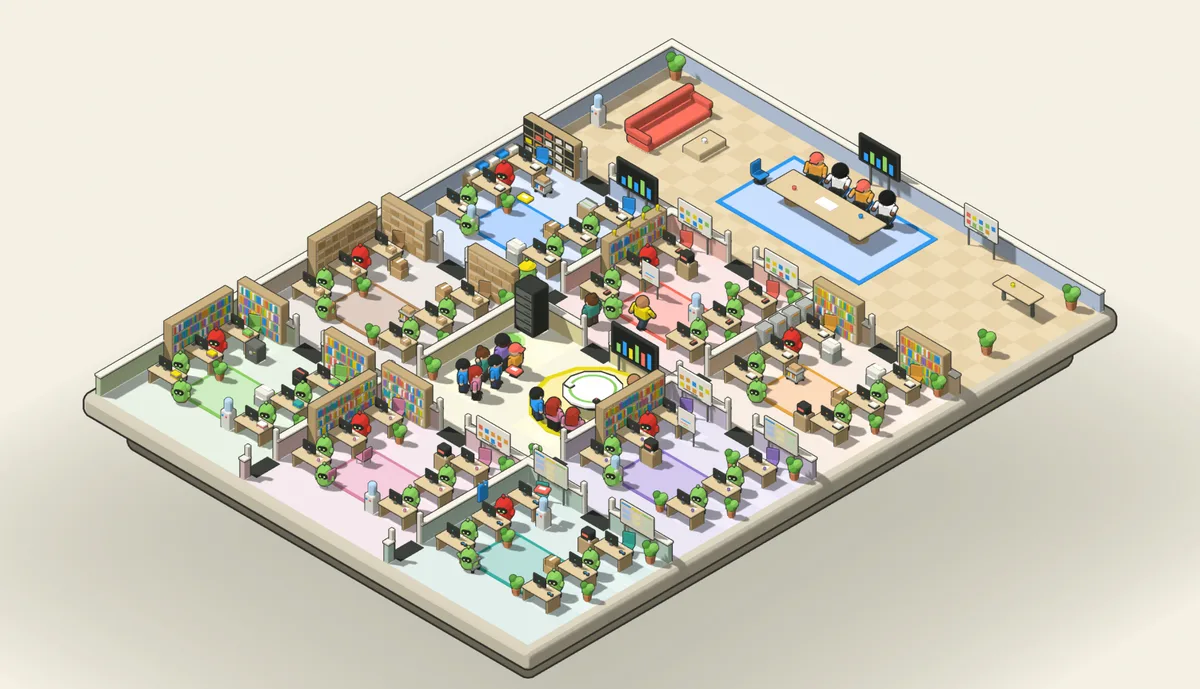
A selection of our projects
We build every solution individually for each business. This is only a selection, and your process does not need to be on it.
SaaS/Tech
End-to-End Customer Lifecycle
3x higher conversion rate and 45% less churn through AI-driven customer lifecycle.
View project →
What an agent can take on for you
Use case: how this could work for you. Not a client project.
An agent that fixes bugs
It reads the ticket, reproduces the bug with a test and delivers the fix as a pull request. Your team reviews and merges it.
Cutting red tape for IT service providers
Germany's NIS2 implementation law has applied since December 2025, with registration at the Federal Office for Information Security (BSI) and duties to report security incidents. For NIS2 or ISO 27001 audits, the agent collects evidence continuously from tickets, logs and policies. When an incident happens, it drafts the report.
Your systems stay
The agent works with the software you already use, for example:
- Ticketing
- Git repository
- CI/CD
- Knowledge base
- Monitoring
Where people decide
Nothing reaches the main branch without review. The agent has no access to production unless you grant it.
How we work
Three steps: selection, proposal, pilot. In the free automation check we work out which process is the right place to start and which system access we need. Our proposal comes with a cost-benefit analysis at a fixed price. We build an agent in one to two days and test it with real cases the same week. The result belongs to you.
Data protection
We work GDPR-compliant on European infrastructure, with a data processing agreement as standard. If you prefer, the models run locally on your own hardware, so the data never leaves your premises.
Impact
Depending on the process, we cut process costs by 20 to 80 percent on average. That is our own figure at Sophera, not a study. Above all, your people get time back for the work they were hired to do.
Frequently asked questions
Does the agent see our source code?
Yes, it cannot work otherwise. If you prefer, the models run locally.
Does this fit our ticketing system?
Yes, the agent works through your ticketing system's API.
How quickly is the first agent running?
We build an agent in one to two days. Testing with real cases happens the same week, and the pilot usually starts within the first week. Before that, we agree on the system access we need.
What does an automation cost?
We only work at a fixed price. You get the price in our proposal, once the open questions are settled in the free automation check. After that, the only running cost is the usage of the AI models, billed directly to you. No subscription, no operating fee.
Who looks after the automation once it is live?
Every automation comes with a maintenance agent included in the fixed price. It monitors operation, checks every interface for changes and tests changes against past cases. Anything it cannot fix itself becomes a ticket for your IT team.
Which of your processes is the right place to start?
We work it out together in the free automation check, along with the system access we would need.
Book the automation check